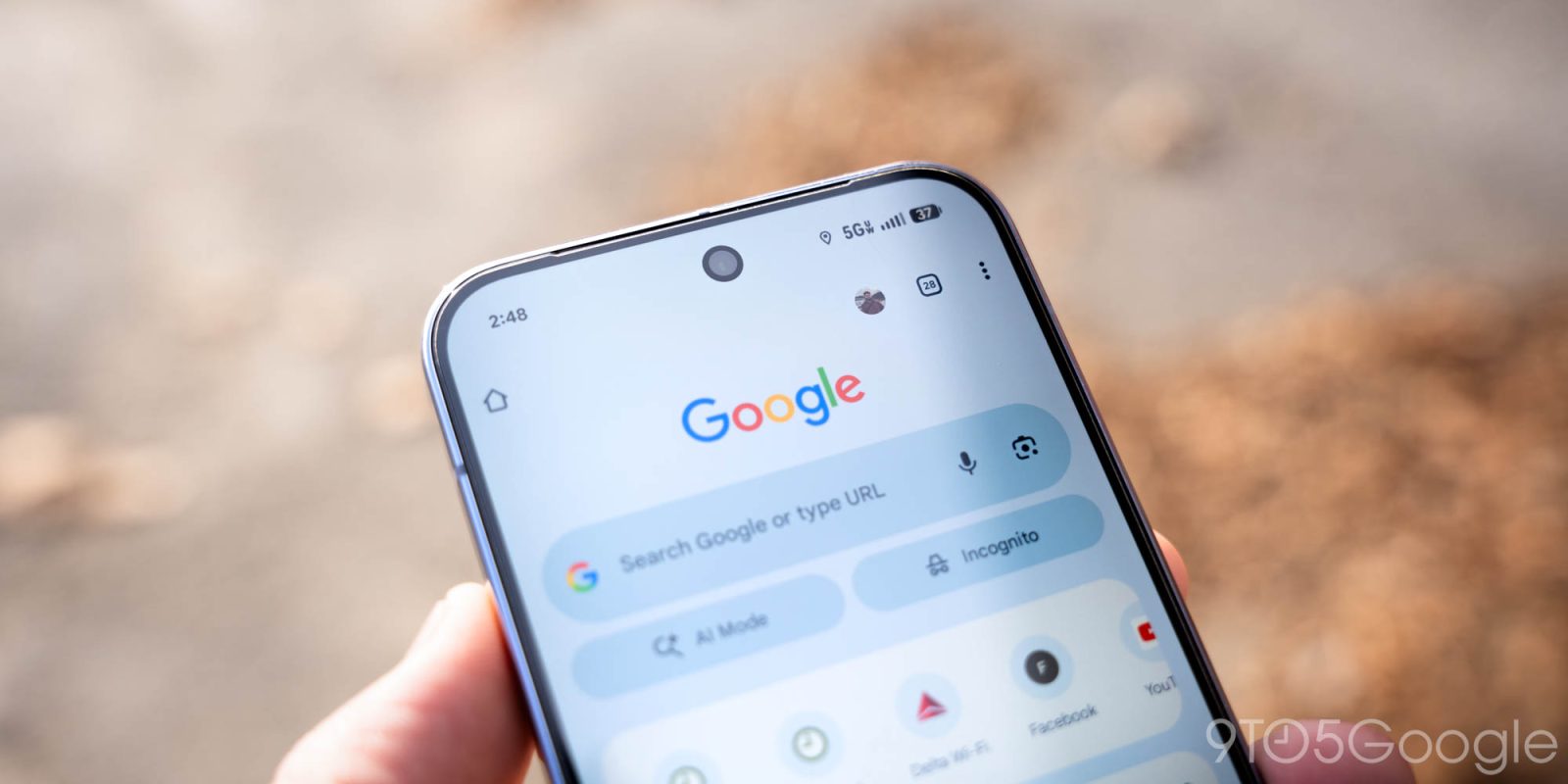
The latest update to Google Chrome for Android has been rolling out to users over the past few weeks, bringing with it a number of new features and improvements. One of the most notable additions is the ability to pin tabs, which allows users to keep frequently used websites at the top of their browser.
New Features and Improvements
Pinned tabs work similarly to how they do on desktop versions of Chrome, allowing users to keep their most frequently used websites at the top of their browser. This can be particularly useful for users who have a lot of tabs open at once, as it makes it easier to switch between different websites.
The update also includes a number of other bug fixes and performance improvements, designed to make the browser run more smoothly and efficiently. These changes are largely under the hood and may not be immediately noticeable to users, but they should help to improve the overall performance of the browser.
How to Use Pinned Tabs
To use pinned tabs on Chrome for Android, users can simply long press on a tab and select the "Pin" option. This will move the tab to the top of the browser, where it will remain until the user chooses to unpin it. Users can also unpin tabs by long pressing on them and selecting the "Unpin" option.
It's worth noting that pinned tabs will only be visible on the device that they are pinned on, and will not sync across devices. This means that if a user pins a tab on their phone, it will not be visible on their tablet or computer, unless they also pin the same tab on those devices.
Other Changes and Improvements
As well as the new pinned tabs feature, the update also includes a number of other changes and improvements. These include a number of bug fixes, which should help to improve the overall stability of the browser, as well as a number of performance improvements, which should make the browser run more smoothly and efficiently.
The update also includes a number of other minor changes and improvements, designed to enhance the overall user experience. These changes are largely under the hood and may not be immediately noticeable to users, but they should help to improve the overall performance and stability of the browser.
The update is available now for all users of Chrome for Android, and can be downloaded from the Google Play Store. Users who have already downloaded the update may not see any immediate changes, but they should be able to take advantage of the new features and improvements as soon as they are available.
It's worth noting that the update is rolling out gradually, and may not be available to all users immediately. Users who do not see the update in the Google Play Store may need to wait a few days or weeks before it becomes available.
Overall, the latest update to Chrome for Android brings a number of new features and improvements, including the ability to pin tabs. This feature should make it easier for users to keep frequently used websites at the top of their browser, and should help to improve the overall performance and stability of the browser.